EXAMPLE 01
 BULIN 47 AI
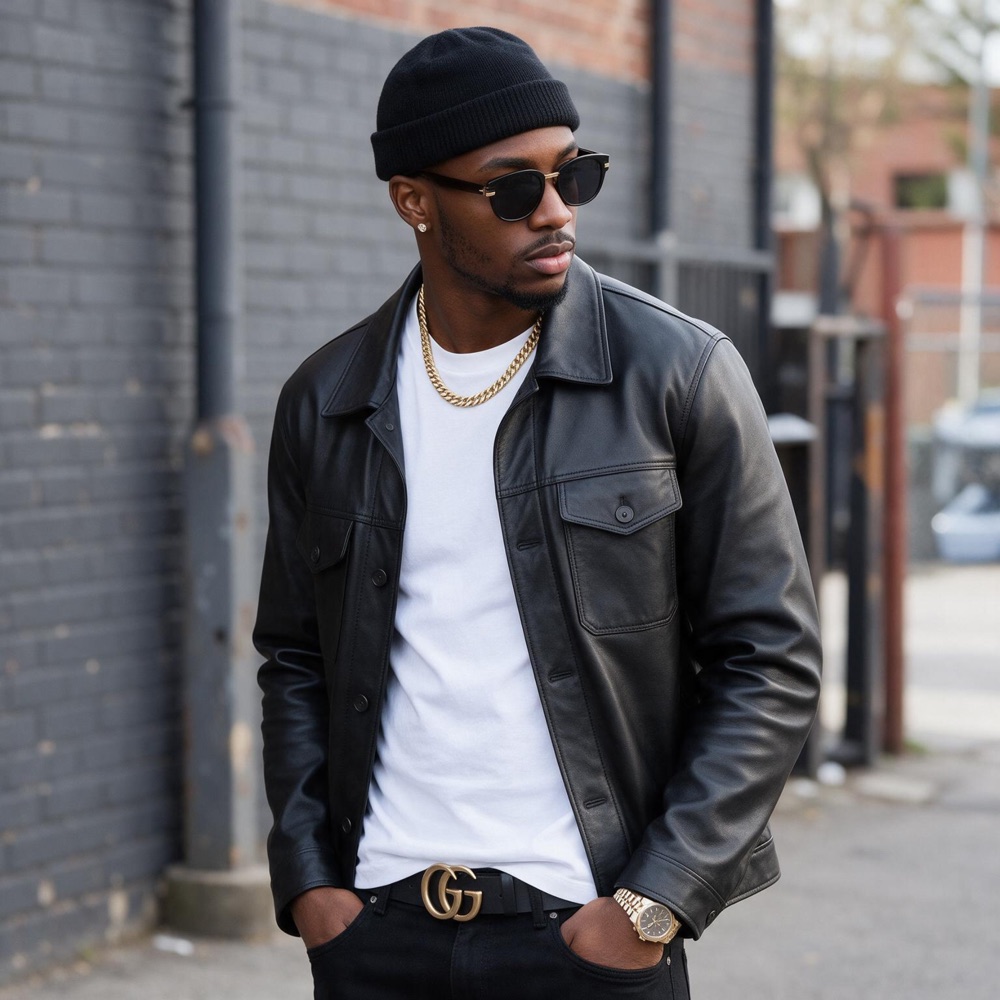
Start with one portrait. Bulin 47 AI turns it into a vertical performance with the movement, framing and street-side energy of the viral freestyle.
Independent fan-made tool. Not affiliated with or endorsed by Bulin 47.
SHOWCASE
From the original clip to AI-made versions: see how one portrait can become a full Bulin 47 performance.
THE SHORT ANSWER
A spontaneous Madrid street performance grew into a worldwide remix trend. People began putting new faces into the moment, from friends to fictional characters, while its lively movement remained instantly recognizable. Bulin 47 AI lets you make a personal take from one portrait, with the performance template ready to go.
Read the story behind the trend →How the original Recast workflow worked →PHOTO TO VIDEO
Two portraits, two finished performances. Each input photo guides a different on-screen character while the template carries the motion.
START WITH A PORTRAIT →EXAMPLE 01
EXAMPLE 02
MADE FOR THE FREESTYLE
Everything is focused on making the viral freestyle template easy to enter without editing footage yourself.
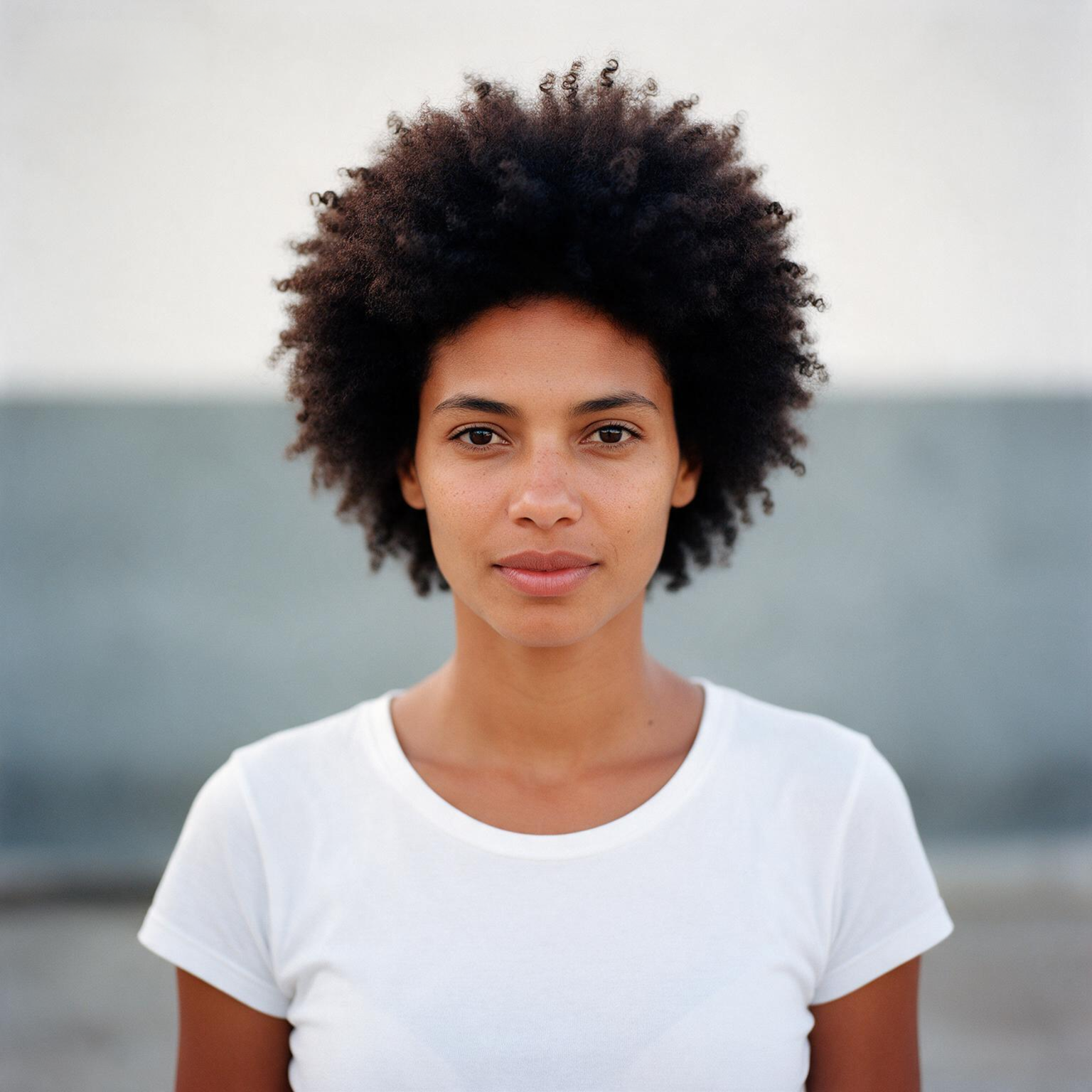
A strong single-person portrait gives the generator the reference it needs to build your performer.
The template preserves the pacing and camera language that made the original moment feel alive.
Your result is composed for the vertical screens where short-form videos are watched and shared.
Choose a length, add your picture and let the prepared video template handle the production work.
Nothing is published for you. Decide whether and where you want to share the completed result.
Only use images you are allowed to use, and be transparent where platforms require AI-content labels.
A SIMPLE CREATION FLOW
The video maker pairs your portrait with a prepared Bulin 47 video template. Your photo guides the new on-screen performer, while the template supplies the choreography, camera movement and setting.
Each request uses the prepared freestyle clip as its motion source. You choose the portrait and clip length; there is no text prompt box or editing timeline. That keeps setup short, while the scene, camera path and choreography stay tied to the selected template. Keep these limits in mind as you plan your video.
Choose a well-lit photo with one adult subject, a visible face and upper body, and little motion blur. A simple background helps the model focus on the person. Group photos, strong filters, sunglasses or a low-resolution crop can hide identity details and affect the result. Upload only an image you own or have permission to use; non-consensual likeness use and content involving minors are prohibited.
Choose a 6-, 12- or 19-second cut. Check the available options before you submit your request.
Sign in or create an account, confirm that you have permission to use the image, and make sure your balance covers the selected cut. After you submit, the page shows the job status while the video is being prepared. When it is ready, use the download link to save a copy and review it before sharing.
The selected template provides the motion and framing; your portrait provides the visual reference for the performer. Generated details can vary between runs, especially around fast movement, hands and clothing edges, so check the finished clip before you post it. The creator does not publish to social platforms for you. Follow the destination platform’s rules for AI labels, music and image rights, and do not present generated footage as an original recording.
YOUR VERSION
A cap, a hoodie, a clean selfie or a character illustration: the source portrait determines the new performer. Make a version that feels like your own.
CREATE A VERSION →CREDITS
Choose credits when you are ready to generate. Your available packs will appear below.
Loading credit packs…
SAFE, CLEAR, CONSENSUAL
Bulin 47 AI is for consensual creative character replacement, not deception. Upload only images you have the right to use. Do not create content involving minors or present generated videos as real footage.
READ THE FAQ →HELPFUL ANSWERS
Clear answers about the trend, creating your video, photos and safe sharing.
The Bulin 47 AI video trend uses a prepared vertical freestyle clip as a template: creators replace its main performer with a new person from a portrait while keeping the scene, camera movement, choreography and original sound.
Choose a clear portrait, select a 6-, 12- or 19-second cut, sign in, confirm you have permission to use the image and get enough credits. Submit the request, then download the finished video from My Videos.
For this specific template, Bulin 47 AI is the dedicated tool on this site. It combines your portrait with the prepared freestyle clip, without a text prompt box or editing timeline.
Upload a well-lit portrait of one person. Your photo guides the new on-screen performer, while the template keeps the scene, framing, movement and choreography.
Use Bulin 47 AI on this site. Choose your portrait and video length, and the creator uses the prepared template to make your version.
Use a well-lit portrait of one adult person facing the camera, with their face and upper body visible. A simple background helps; avoid group shots, strong filters, sunglasses, deep shadows and low-resolution crops.
Credits are sold in packs: 20 credits for $9.90, 60 for $19.90 or 100 for $29.90. A 6-second cut costs 6 credits, a 12-second cut costs 12, and the full 19-second cut costs 20. Credits never expire.
Choose a vertical 6-, 12- or 19-second cut, create your video and download it when ready. Bulin 47 AI does not post to TikTok for you, so review the result and follow TikTok’s rules for AI labels, music and likeness rights before sharing.
Upload only a photo you own or have permission to use. Your portrait and selected duration are sent to the video-generation provider to create your request; see the Privacy Policy for provider and retention details. You can ask support to delete your account or content.
YOUR TAKE STARTS HERE
Upload a portrait when you are ready to create your version of the Bulin 47 freestyle.
START CREATING →